How To Drop Items In Stardew Valley: A Step-by-Step Guide
Dropping an item means taking a stack out of the inventory panel and releasing it into the world. Use a low-value item for your first test and pick it back up immediately.
PC and Mac
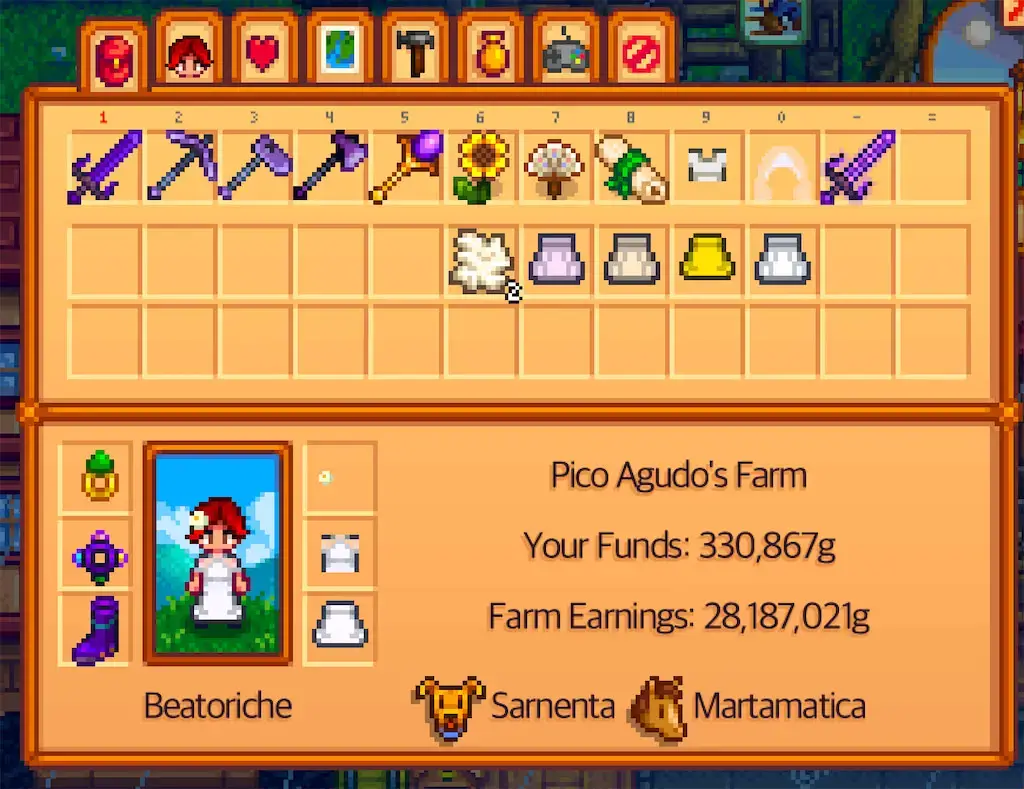
- Open the inventory with the configured menu key;
Eis the default keyboard binding. - Left-click the stack so it follows the cursor.
- Move the cursor outside the inventory panel and left-click to release it.
Xbox, PlayStation, and Nintendo Switch
In Options, turn Use Controller-Style Menus off. This enables a free cursor instead of locking selection to menu slots.
| Platform | Select / release button | Steps |
|---|---|---|
| Xbox | A | Select the stack with A, move the free cursor outside the inventory panel with the right stick, then press A again. |
| PlayStation | Cross (×) | Select the stack with Cross, move the free cursor outside the panel with the right stick, then press Cross again. |
| Nintendo Switch | A | Select the stack with A, move the free cursor outside the panel with the right stick, then press A again. |
If the cursor still snaps between slots, recheck the controller-style menu setting. Button remapping can change the labels; in that case use the button assigned to the menu action/confirm command.
Mobile
Open the inventory, press and hold the stack, drag it beyond the inventory area, and release. Mobile layouts and control schemes place the safe release area differently, so test with Trash or another replaceable item first.
Limitations and safety
- Some quest items, tools, and special items cannot be discarded normally.
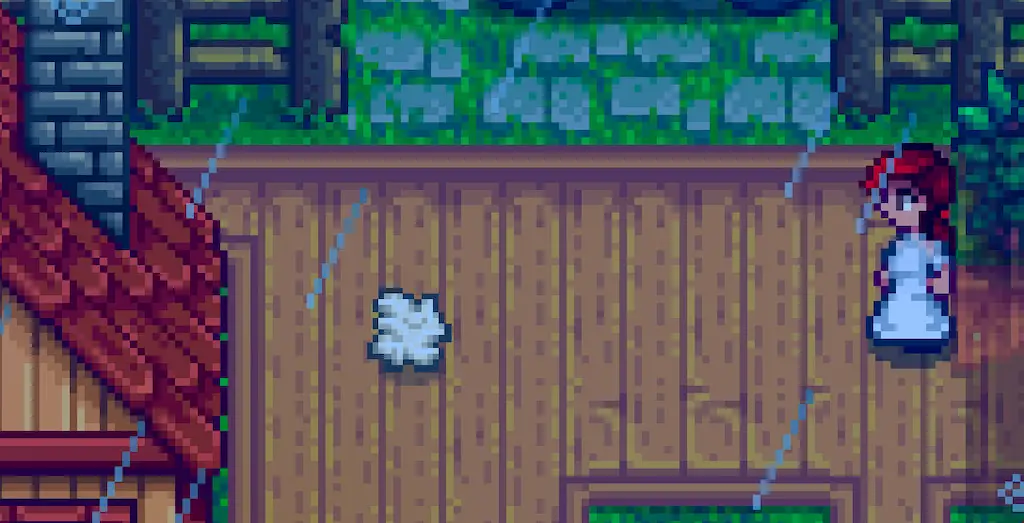
- If you have free inventory space and stand on the drop, the game may pick it up again immediately.
- Other players in multiplayer can collect a dropped stack.
- NPC paths, water, location resets, and the end of the day can make loose items unsafe. Do not use the ground as long-term storage.
- A chest is safer when you only need room temporarily.