
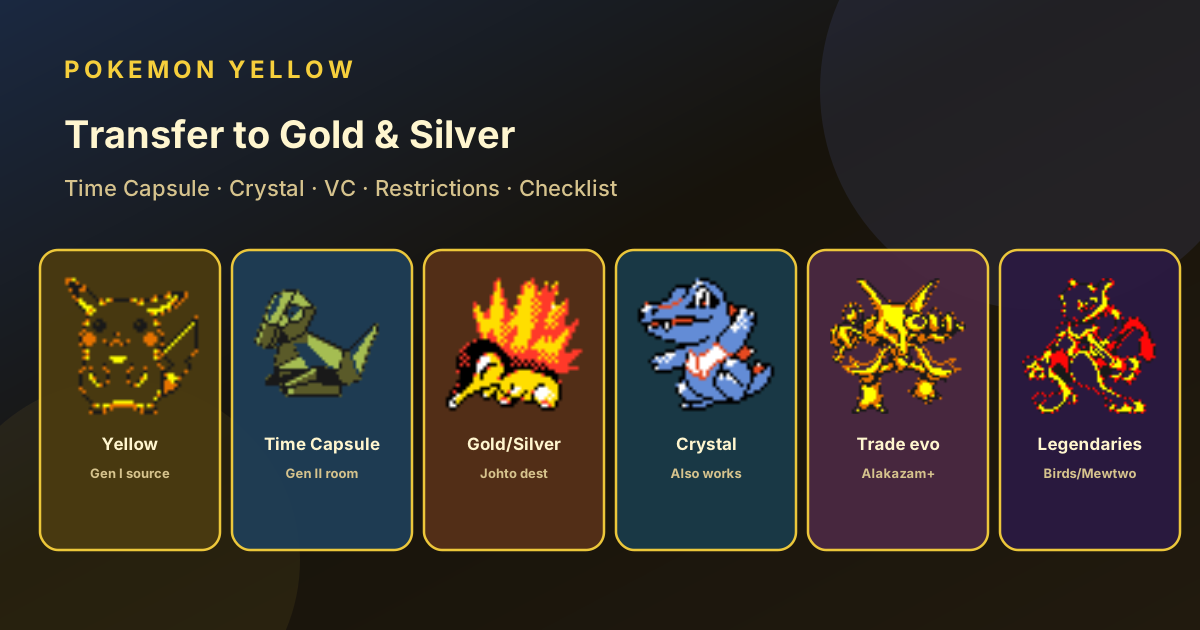
Gen I → Gen II Bridge
Transfer Pokemon Yellow to Gold, Silver, or Crystal
Moving Kanto mons into Johto uses the Time Capsule—not the normal Gen II Trade Center. Pair English Yellow with Gold, Silver, or Crystal on a matching link route (two carts, two 3DS VCs, or a tested emulator link), strip illegal moves/mail, then send legendaries and trade-evo lines with a checklist.


Fast Answer
Time Capsule, same ecosystem, Gen I rules
On the Johto game, meet Bill in the Ecruteak City Pokemon Center, then wait until the next in-game day after his “tomorrow” message. The Time Capsule then opens upstairs in Pokemon Centers. Use it—not the regular Gen II Trade Center—with Yellow as the Gen I Cable Club partner.
Route picker
Which setup are you on?
Use a Game Boy / Game Boy Color family link between Yellow and Gold, Silver, or Crystal. On the Gen II side choose the Time Capsule room. Save both games before linking.
- 1 · UnlockMeet Bill in Ecruteak Center; wait until next day
- 2 · Match gearSame ecosystem both sides
- 3 · Clean partyGen I species + legal moves
- 4 · Capsule roomNot normal Gen II trade
- 5 · Test monThen send valuables
Checklist
Before the first Capsule trade
Restrictions
What the Capsule actually blocks
Allowed both ways (typical)
- Species in the original 151 list (including trade evolutions)
- Moves that exist in Generation I when entering Yellow
- Levels, DVs/IVs representation, and nicknames that the protocol accepts
- Partner Pikachu as a normal Electric mon once transferred (Yellow follow-sprite quirks stay on Yellow)
Blocked or rejected
- Any Gen II-only species trying to enter Red/Blue/Yellow
- Moves learned only in Gen II when sending into Gen I
- Mail and other items the Gen I structure cannot hold
- Many glitch/event edge cases (treat MissingNo./bad eggs as non-transfer goals)
- Cart linked to VC wireless—ecosystems do not mix
Yellow-side prep that pays off
- Finish NPC trades you care about before exporting
- Evolve or stage Kadabra / Machoke / Graveler / Haunter for intentional trade-evos
- Catch static legendaries on Yellow if you want them in Johto early
- Diploma / living-dex gaps: see complete Pokédex
Gen II-side prep
- Meet Bill in Ecruteak City’s Pokemon Center, then wait until the next in-game day after his “tomorrow” message
- For Crystal↔Gold/Silver only, use normal Trade Center instead—see Crystal guide
- Box space free; know which OT will own the mon after the hop
- Crystal living dex still may need Capsule imports—dex planner
Priority list
What to send from Yellow first
High value exports
- Mewtwo + legendary birds for Johto dex / teams
- Gift starters and fossils you already collected
- Trade evolutions (Alakazam, Machamp, Golem, Gengar)
- Version-flavored catches that speed Crystal completion
Trade evolution note
- You can evolve on a Gen I link trade, then Capsule the final form
- Or trade the mid-stage into Gen II if you only need it there
- Log return trades so the correct OT keeps the mon
- In-game Yellow Cubone→Machoke path still helps solo carts
| Priority | Examples | Why | Yellow tool |
|---|---|---|---|
| 1 · Prove link | Rattata, Pidgey | Cheap failure mode | Catch planner |
| 2 · Utility | Trade evolutions, HM mons | Team building in Johto | Trades |
| 3 · Dex fillers | Fossils, gifts, exclusives | Living dex speed | Gifts |
| 4 · Legendaries | Zapdos, Articuno, Moltres, Mewtwo | Harder to re-catch | Legend map |
Compatibility
Route status matrix
| Route | Requirements | Use for | Watch point | Status |
|---|---|---|---|---|
| Cart Yellow ↔ Cart G/S/C | GB/GBC link hardware | Classic Time Capsule | Save both; Capsule room on Gen II | Works |
| VC Yellow ↔ VC G/S/C | Two 3DS-family systems | Official digital hop | Local wireless; owned VC titles only | Works |
| Cart ↔ 3DS VC | — | Not a direct Nintendo path | Ecosystems do not interoperate | No direct |
| Emulator link | Two instances + link support | Practice / backups | Core accuracy varies; backup batteries | Caution |
| VC → Bank → HOME | Historical 3DS services + plans | Modern storage after Gen II | Service availability changes—verify official status | Caution |
| Crystal ↔ Gold/Silver only | Normal Trade Center | Gen II ↔ Gen II | Do not use Capsule for this pair | Works |
| Single 3DS both games | — | Not for live VC trade | Need two handhelds | No direct |
Gen II ↔ Gen II details live on the Crystal site: Trade Crystal with Gold/Silver. Platform ownership notes: How to play Yellow and How to play Crystal today.
Play tips
Avoid a stuck Capsule session
Wrong counter is the #1 mistake
Yellow is always a Time Capsule partner from the Gen II perspective. Crystal↔Gold uses the ordinary Trade Center instead.
Teach Gen II moves after arrival
When importing into Johto, you can teach new TMs later. When sending back to Yellow, delete incompatible moves first.
Nickname and OT surprises
Trades change OT. Plan who keeps legendaries after a multi-hop Bank path.
Back up before experiments
Emulator link desyncs and mid-trade power loss ruin saves. Duplicate .sav files first; Yellow Save Import can verify one side locally.
FAQ
Transfer questions
Can Yellow transfer to Gold or Silver?
Yes via the Time Capsule on Gold, Silver, or Crystal, using a compatible two-system link route.
Do I use the normal Trade Center?
Not for Yellow. Normal Gen II Trade Center is for Gold/Silver/Crystal among themselves. Capsule is the Gen I bridge.
Can one 3DS do it alone?
No for standard VC wireless trading. You need two 3DS-family systems each running one game.
Can I send Cyndaquil to Yellow?
No. Gen II-only species cannot enter Generation I games through the Capsule.
Is Pokemon Bank required?
No for cart Time Capsule. Bank/HOME were optional later hops for VC collections—check current official service status before relying on them.
Linked tools